
How to Mine Steam Reviews for Real Game and Software Pain Points (Step-by-Step Guide)
November 2, 2026 · 8 min read
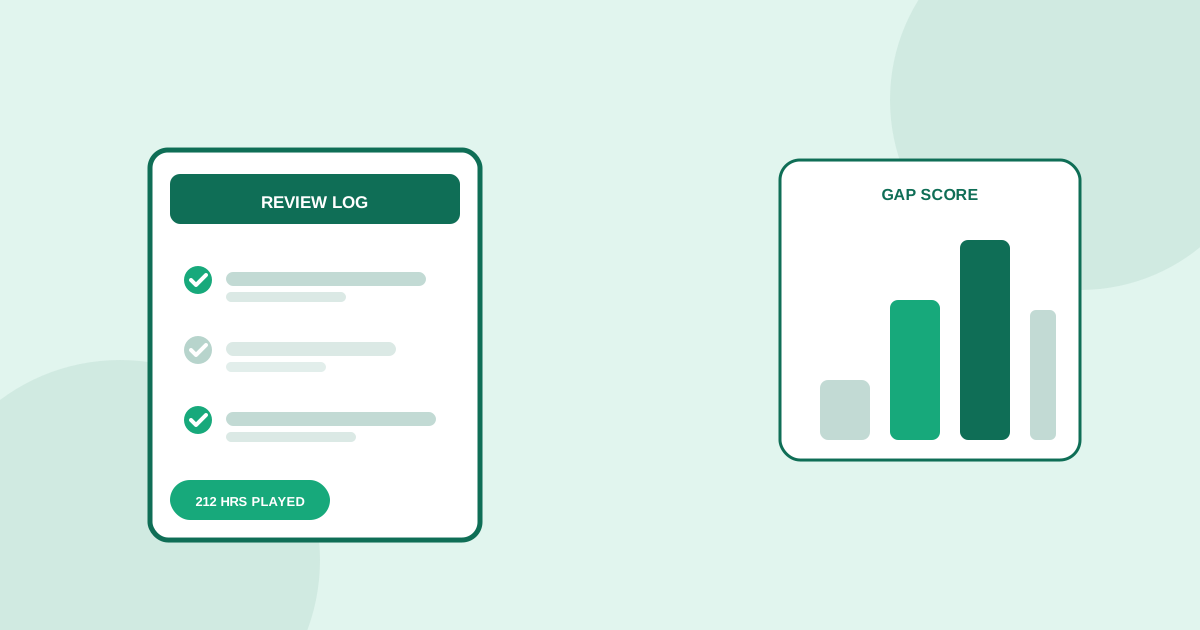
Steam reviews look like just another thumbs up or down system at first glance, but Valve attaches one piece of context no other review platform bothers with: the reviewer's total playtime in the game, shown directly next to their verdict. A one-line rant from someone with six minutes of playtime and a detailed complaint from someone with four hundred hours are treated identically by most people skimming the page, and that is exactly the mistake that makes Steam reviews so often get skipped as a serious research source.
This guide covers how to read Steam reviews as structured research instead of as a vague score: how playtime changes what a complaint means, why Early Access complaints need a different filter than full-release complaints, how the recent-review trend line exposes decisions that tanked sentiment, and how to tell a complaint specific to PC gaming culture from one that generalizes to software and subscription products far outside games.
Why Steam reviews read differently than other platforms
App store reviews get written by someone who downloaded an app minutes ago and is reacting to the first impression. Steam reviews get written by someone Valve already knows the exact playtime of, because the platform tracks and displays it automatically. That single structural difference means a negative Steam review carries built-in context an App Store review never gives you: whether the complaint comes from someone who bounced off the tutorial or from someone who put in two hundred hours and still has a specific, unresolved problem with the game.
Step 1: filter by playtime before reading a single word
Steam's own review filters let you sort by recent versus all-time and by positive versus negative, and critically, you can see playtime next to every review without any extra tool. Before reading anything, scan the negative reviews for playtime first. A negative review from someone with two hours logged is probably a refund-window rant or a hardware mismatch. A negative review from someone with three hundred hours who is still thumbs-down is a completely different signal: something specific is broken enough to sour a genuine fan, and that is the complaint worth reading closely.
Step 2: separate Early Access complaints from full-release complaints
Steam flags Early Access titles clearly, and buyers of an Early Access game have implicitly accepted that bugs, missing features and an unfinished roadmap come with the purchase. A complaint about a missing feature in an Early Access review is often just impatience. The same complaint, about the same feature, showing up in a full-release game's reviews months after launch, is a far stronger signal that the team either could not or chose not to fix something players consistently ask for. Always check the Early Access badge before weighing a missing-feature complaint.
Step 3: read the recent-review trend line after every major update
Every Steam store page shows two scores: all-time review sentiment and recent review sentiment over a shorter window. When those two numbers diverge sharply, something specific happened, usually a monetization change, a UI overhaul, a patch that broke mods, or a controversial pricing decision. Pull up the date range around the drop and read reviews from that exact window. This is one of the fastest ways to isolate a specific decision that damaged trust, rather than reading years of mixed reviews and guessing at the cause.
Step 4: mine the middle-length reviews, not the one-liners or the essays
One-word or one-line reviews like trash or 10/10 masterpiece carry almost no diagnostic value. Reviews running several thousand words are usually written by a superfan defending the game or a detractor building a case, and both skew toward the extremes. The reviews worth reading closely sit in the middle, roughly one to three paragraphs, where someone explains one specific mechanic, bug, or support interaction in enough detail to actually learn something, without the performance of either camp.
Step 5: cross-check against the community discussion boards and curator reviews
Steam's discussion boards and curator review pages often surface a bug, a performance problem on a specific hardware configuration, or a support complaint well before it shows up clearly in the aggregate review score, since many players post in the discussion board hoping for a fix before they ever bother leaving a formal review. Curator reviews, especially from smaller curators focused on a specific genre, tend to name a specific missing feature or rough edge more precisely than the broader review pool.
Step 6: confirm outside Steam before calling a pattern validated
Steam's community skews toward PC gaming culture specifically, and a complaint that is simply a cultural reflex on Steam, around monetization models, always-online requirements, or a particular UI convention, does not automatically generalize to console players, mobile users, or software buyers outside gaming entirely. Check whether the same specific complaint shows up independently on Reddit in a game-specific or genre subreddit, in YouTube review comments, or on X, before treating a Steam-only pattern as a market-wide gap.
Steam signals are not only useful for games
The playtime-gated review and the recent-versus-all-time trend line are useful well beyond game validation. Any software sold directly to consumers, including desktop tools, creative software, and anything bundled or sold through Steam itself, carries the same structural signal: a complaint from a long-time user who kept using the product anyway is worth far more than a complaint from someone who tried it for ten minutes. If you are validating a tool with any kind of Steam presence or a comparable usage-tracked platform, the same playtime-first reading habit applies directly.
Putting it together
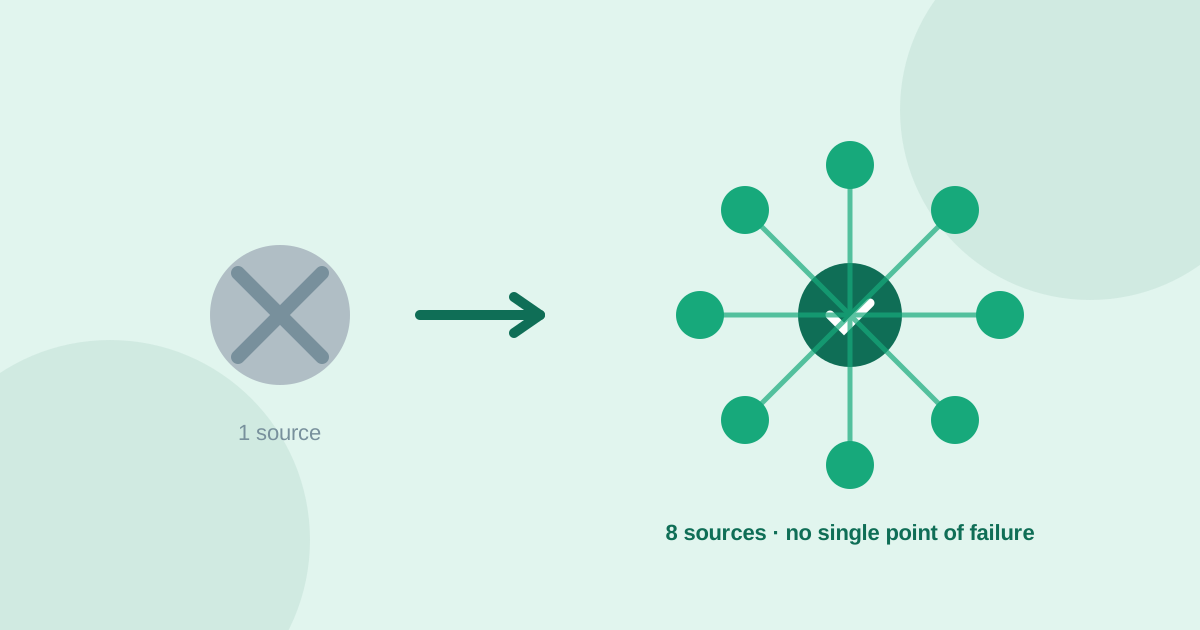
A focused Steam research session looks like this: open the negative reviews for a title in your category, sort by playtime rather than by helpfulness alone, and separate Early Access noise from full-release signal. Pull up the recent-review trend line and read the window around any sharp drop. Skim past the one-liners and the essays and read the middle-length reviews closely, then check the discussion boards and curator pages for anything the aggregate score has not caught up to yet. Confirm the strongest pattern outside Steam before calling it a market gap. UserConcern automates that last cross-check across Reddit, Amazon reviews, YouTube, TikTok, Quora, X, Google Trends and AI answers, so a pattern that survives Steam and a second independent source counts as a validated opportunity, not just one platform's community culture.
Frequently asked questions
Are Steam reviews useful for validating ideas outside of games?
Yes, for any consumer software with a comparable usage-tracked review system. The core habit, weighing a complaint by how much the reviewer actually used the product before complaining, applies to any platform that shows playtime, usage time, or tenure next to a review, not just Steam specifically.
How do I tell a genuine bug complaint from a refund-window rant on Steam?
Check the playtime next to the review. Steam's refund policy covers purchases under two hours of playtime, so a negative review from someone with one or two hours logged is often a quick refund-window reaction, while a negative review from someone with dozens or hundreds of hours describes a problem serious enough to outlast genuine enjoyment of the game.
Why does the Early Access flag matter when reading complaints?
Early Access buyers have implicitly accepted an unfinished product, so a missing-feature complaint there often reflects impatience rather than a real gap. The same complaint appearing in a full-release game's reviews, months after launch, is a stronger signal that the team could not or chose not to address something players consistently want.
How do I know if a Steam complaint pattern is a real market gap?
Check whether the same specific complaint shows up independently outside Steam, in a game-specific subreddit, in YouTube review comments, or on X. Steam's community skews toward PC gaming culture, so a pattern confirmed on at least one additional, independent source is far more reliable than a Steam-only reading.
More articles
 Market Research
Best GummySearch Alternatives in 2026 (Access Ends 30 November)
GummySearch closed to new customers in November 2025, and existing users lose access on 30 November 2026 with all data deleted the next day. Eight alternatives compared on real pricing, real sources, and which half of the job each one actually replaces.
Read article → Market Research
How to Identify Customer Pain Points: 7 Methods That Actually Work
Customer pain points are the raw material of every successful product. Here are 7 practical methods to find them, from free manual research to AI-powered analysis.
Read article →