
How to Mine LinkedIn for Real B2B Customer Pain Points (Step-by-Step Guide)
August 31, 2026 · 8 min read
Most pain-point mining guides point straight at Reddit, and for consumer products that is usually the right call. B2B software is different. The people who would buy a tool for sales operations, recruiting, finance or supply chain rarely write about their workday frustrations on Reddit under a pseudonym. They write about them on LinkedIn, under their real name and job title, often as a mini rant that starts with something like nobody talks about this, followed by the exact tool, the exact step in the process, and the exact reason it stopped working for their team.
That specificity is the whole appeal, and also the whole difficulty. LinkedIn's feed is optimized for engagement, not honesty, which means genuine operational complaints sit in the same stream as manufactured outrage, humblebrags dressed up as vulnerability, and reposted engagement bait designed purely to farm reactions. This guide covers how to find the real complaints, how to tell them apart from performance, and where LinkedIn fits alongside other sources when you are trying to validate a B2B idea rather than just feel informed about one.
Why LinkedIn complaints read differently than Reddit complaints
A Reddit complaint is usually anonymous and unfiltered: someone venting to strangers who will never affect their career. A LinkedIn complaint is written by someone whose name, employer and job title are attached to the post, which changes what gets said and how. People rarely trash their own company on LinkedIn, but they will openly criticize a vendor, a category of tool, or an outdated process, especially when framing it as a lesson learned or advice to peers. The result is a complaint that is less raw than a Reddit rant, but often far more specific about the actual job function involved, since the poster's professional identity is doing some of the explaining for them.
Step 1: search by job title and workflow, not by product category
Searching LinkedIn for a broad category like project management software returns thought-leadership posts and vendor marketing, not complaints. Search instead for the combination of a job title and a specific task: revenue operations manager forecasting, recruiter sourcing candidates, accounts payable manual entry. Add words that signal frustration rather than advice, such as tired of, still using a spreadsheet for, or nobody has solved. The goal is to search the way the person searching for a problem to complain about would phrase it, not the way a vendor would name the product category.
Step 2: read the comments, not just the post
The original post is often a single anecdote. The comment section underneath is where the pattern shows up, because other people in the same function reply with their own version of the same frustration, usually with more specific detail than the original poster included. A post complaining about a clunky approval workflow will often draw comments naming the exact tool, the exact step that breaks, and sometimes a workaround the commenter built themselves. Those workaround comments are especially valuable: a person describing the spreadsheet or macro they built to avoid a tool's limitation is describing, in detail, a product that does not exist yet.
Step 3: filter out engagement bait before you count anything as a signal
LinkedIn rewards a specific style of post: a vague, relatable-sounding claim with no concrete detail, designed to maximize replies rather than convey information. A post that says most people are doing X wrong with no named tool, no named workflow step and no specific outcome is engagement bait, not evidence. Treat a complaint as real signal only when it names something concrete: a specific tool, a specific step in a process, or a specific number (hours lost, deals missed, an error rate). If a post cannot survive being rewritten with the vague language removed, it was never a data point to begin with.
Step 4: check whether the complaint is a person problem or a tool problem
B2B complaints on LinkedIn split into two categories that look similar but mean very different things for a builder. Some complaints are about a person's own team or process, poor handoffs between departments, unclear ownership, a manager who will not adopt new tools, which no product can fix directly. Others are about a specific limitation in an existing tool: it does not support a particular integration, its reporting cannot be customized, it breaks at a certain team size. Only the second category points to something buildable. The first category is still useful context, since it tells you what obstacles a new tool will run into during adoption, but it should not be counted as demand for a product.
Step 5: cross-check outside LinkedIn before treating it as validated
LinkedIn's professional framing cuts both ways. It surfaces specific, credible complaints from people whose job titles confirm they are the right audience, but the same social pressure that keeps people from criticizing their own employer can also keep them from admitting a problem is bigger than they are letting on, since publicly struggling with a basic workflow is a mild professional risk. A complaint that only exists on LinkedIn, phrased carefully and diplomatically, is worth checking against a rougher, less curated source, a Reddit thread in an adjacent professional subreddit, a G2 or Capterra review of the tool being criticized, or a Quora question asking the same thing more bluntly. Agreement across a polished source and a rougher one is a stronger signal than either alone.
Putting it together
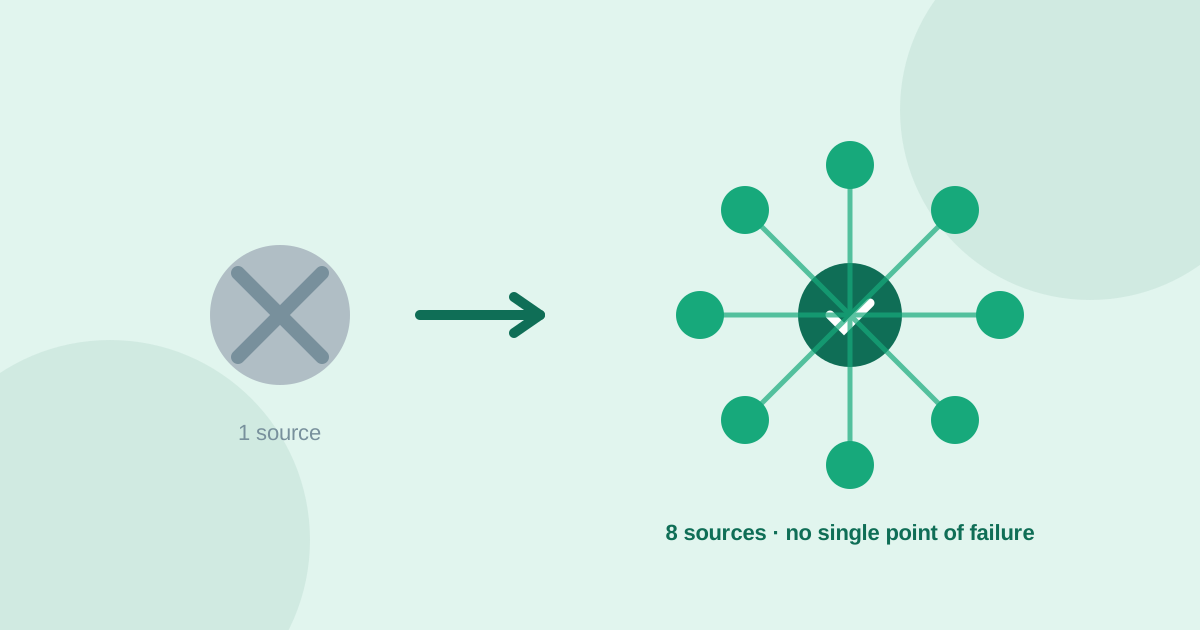
A focused LinkedIn research session looks like this: fifteen minutes searching job-title-plus-task combinations with frustration language, thirty minutes reading comment threads on the strongest posts you find, and fifteen minutes sorting what you collected into tool problems worth pursuing versus person problems worth noting as adoption risk. Then take the strongest two or three tool problems and confirm them against at least one other source before treating them as validated demand. UserConcern automates that last step across Reddit, Amazon reviews, YouTube, TikTok, Quora, X, Google Trends and AI answers, so a specific complaint you found on LinkedIn only counts as a real opportunity once it holds up outside LinkedIn's own, more careful, professional framing.
Frequently asked questions
Is LinkedIn a good source for B2B pain-point research?
Yes, particularly for finding complaints tied to a specific job function, since posters write under their real name and title, which makes the workflow and role context far more precise than an anonymous Reddit post. The tradeoff is that people are more careful about what they say publicly, so the rawest, most negative language tends to show up elsewhere.
How do I avoid LinkedIn engagement bait when researching pain points?
Only count a post as a real signal if it names something concrete: a specific tool, a specific workflow step, or a specific number like hours lost or an error rate. Vague, relatable-sounding claims with no named detail are usually written to maximize replies, not to convey a real complaint, and should be discarded.
How is a LinkedIn complaint different from a Reddit complaint?
A LinkedIn complaint is attached to a real name, employer and job title, which makes people more diplomatic and less likely to criticize their own company directly, but often more specific about the exact job function and workflow involved. A Reddit complaint is usually anonymous and rawer, but can lack the professional context that confirms who exactly is affected.
Should I trust a pain point I only found on LinkedIn?
Not on its own. Cross-check it against a rougher, less curated source, such as a relevant Reddit community, a G2 or Capterra review of the tool being criticized, or a Quora question phrased more bluntly. A complaint that holds up in both a polished professional source and a rougher one is a much stronger signal than either alone.
More articles
 Market Research
Best GummySearch Alternatives in 2026 (Access Ends 30 November)
GummySearch closed to new customers in November 2025, and existing users lose access on 30 November 2026 with all data deleted the next day. Eight alternatives compared on real pricing, real sources, and which half of the job each one actually replaces.
Read article → Market Research
How to Identify Customer Pain Points: 7 Methods That Actually Work
Customer pain points are the raw material of every successful product. Here are 7 practical methods to find them, from free manual research to AI-powered analysis.
Read article →