
How to Mine Facebook Groups for Real Customer Pain Points (Step-by-Step Guide)
September 7, 2026 · 8 min read
Facebook Groups are where a huge amount of honest, detailed complaining actually happens, and almost nobody treats them as a research source. Parents, hobbyists, small business owners, patients managing a chronic condition, local homeowners, they gather in niche groups with tens of thousands of members and talk in a way they never would on a public platform, because the group feels private, moderated, and made up of people who understand the specific situation. That combination, large audience plus lowered guard, makes Facebook Groups a genuinely different kind of signal from Reddit or X, even when the topic overlaps.
The catch is access. Most valuable groups are private or closed, which means the content is not indexed by search engines and is not visible to anyone who has not joined and been approved. This guide covers how to find the groups worth joining, how to search once you are in, what to do with what you find, and why access itself is the biggest limitation of this channel.
Step 1: find groups by the situation, not the product category
Search Facebook directly for your niche as a life situation rather than a market label. A group called 'Moms of toddlers with food allergies' will surface sharper, more specific complaints than a group called 'Parenting tips'. Look at member count and posting frequency before joining, a group with 40,000 members and daily posts is a far richer source than a group with 2,000 members that has gone quiet. Groups tied to a specific product, a specific diagnosis, a specific local area, or a specific life stage tend to produce the most concrete pain language, because the members already share a narrow, well-defined situation.
Step 2: request access and give it time
Closed and private groups often require answering a few screening questions and waiting for admin approval, sometimes for days. Answer honestly and specifically, admins in tightly moderated groups reject vague or promotional-sounding requests. It is worth requesting access to several adjacent groups at once and letting the approvals come in over the following week, rather than trying to do all your research through one group. Treat this step as part of the research timeline, not a delay before it starts.
Step 3: use the group's own search bar before scrolling the feed
Every Facebook Group has an internal search bar, and it is more useful than scrolling. Search the group for your product category, common complaint words, and competitor or brand names, this surfaces every past post and comment thread that mentioned them, not just what happens to be posted today. Pay attention to threads with long comment chains, a post with 80 replies about the same recurring frustration is a far stronger signal than a post with three likes and no discussion.
Step 4: read comment threads, not just the original post
The original post in a Facebook Group is often a question. The real research value is in the replies, where other members share what they tried, what failed, and what they wish existed. Look for the specific moment a thread shifts from 'here is what I use' to 'yeah but it doesn't do X' or 'I wish something did Y', that pivot is where an unmet need becomes visible. Save the exact phrasing, group members tend to write in plain, unpolished language that makes excellent evidence and excellent future marketing copy.
Step 5: notice what gets asked on repeat
Active groups accumulate the same questions over months or years, often visible through the group's pinned posts, FAQ files, or a moderator repeatedly linking back to an old thread. A question that keeps resurfacing despite an existing pinned answer means the pinned answer is not actually solving the problem for new members, which is a stronger signal than a single one-off complaint. Screenshot or note the date range across which the same question keeps appearing, recurrence over time is harder to fake or coincidence than a single busy day.
The access problem: what you see depends on which groups let you in
Facebook Group research has a structural blind spot that Reddit and Quora do not share as sharply: you can only see what you have been approved to see. A niche might have five active communities, and admin approval, activity level, and even the demographic of who bothers to request access can all skew which conversations reach you. A gap that looks wide open based on the two groups you got into might already be well covered in a third group you were rejected from or never found. Treat any single-group finding as a lead, not a conclusion, until it shows up somewhere else too.
Putting it together
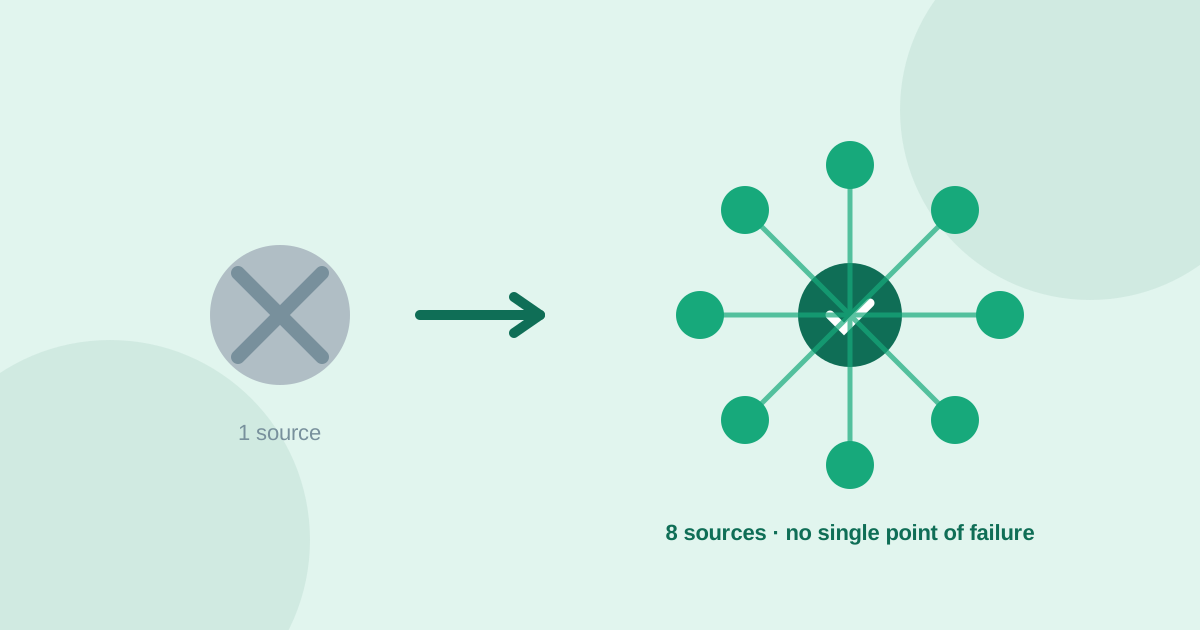
Facebook Groups reward patience more than any other source on this list, the access step alone can take longer than the research itself. What you get in return is detail and honesty that public platforms rarely match, because members are talking to people who share their exact situation rather than a general audience. Before treating a Facebook Group finding as validated demand, check whether the same complaint shows up independently on Reddit, in Amazon reviews, or on YouTube. UserConcern runs that cross-check automatically across Reddit, Amazon reviews, YouTube, TikTok, X, Quora, Google Trends and AI answers in one search, so a raw Facebook Group observation only counts once it is confirmed outside the group that produced it.
Frequently asked questions
Are Facebook Groups a good source for finding customer pain points?
Yes, particularly for niches tied to a specific life situation, condition, or product category, where members feel safe sharing detailed complaints inside a closed community. The tradeoff is access, most valuable groups are private and require approval, which slows research down compared to fully public sources like Reddit or Quora.
How do I find the right Facebook Groups to research?
Search for your niche as a specific situation rather than a broad category, such as a diagnosis, a life stage, or a narrow hobby, and prioritize groups with high member counts and frequent recent posts. Groups tied to a specific, well-defined situation consistently produce sharper pain language than broad, general-purpose groups.
What should I search for once I am inside a Facebook Group?
Use the group's internal search bar for your product category, common complaint phrases, and competitor names, then read the comment threads rather than just the original posts. The most useful signal is usually in replies where members explain what they tried, what failed, and what they wish existed.
How do I confirm a pain point found in a Facebook Group is a real market opportunity?
Cross-check it against other sources such as Reddit, Amazon reviews, or YouTube comments, since what you see in any single group depends heavily on which groups approved your access. UserConcern automates this check across 8 sources, so a Facebook Group observation only counts as validated once it is confirmed independently elsewhere.
More articles
 Market Research
Best GummySearch Alternatives in 2026 (Access Ends 30 November)
GummySearch closed to new customers in November 2025, and existing users lose access on 30 November 2026 with all data deleted the next day. Eight alternatives compared on real pricing, real sources, and which half of the job each one actually replaces.
Read article → Market Research
How to Identify Customer Pain Points: 7 Methods That Actually Work
Customer pain points are the raw material of every successful product. Here are 7 practical methods to find them, from free manual research to AI-powered analysis.
Read article →