
How to Mine Discord for Real Customer Pain Points (Step-by-Step Guide)
September 24, 2026 · 8 min read

Most pain-point research guides send you to Reddit, Amazon reviews and YouTube comments, and for good reason: those sources are public, searchable and indexed by Google. Discord is none of those things, which is exactly why most founders skip it and exactly why it still holds complaints nobody else has mined. Product communities, hobby groups and build-in-public servers run entire conversations in real time that never surface in a search engine, because Discord messages are not crawled the way a forum post or a review is.
That invisibility cuts both ways. It means the complaints inside a busy Discord server are fresher and blunter than what survives the editing process of a written review, since people type fast in chat and rarely soften their language for an audience. It also means you cannot just Google your way to them, and a server with ten thousand members can bury a real pattern under years of unrelated chatter. This guide covers where to look, how to search inside a server once you're in it, which channels concentrate the actual complaints, and how to tell a genuine pattern from a handful of people venting on a bad day.
Why Discord complaints read differently than Reddit or review complaints
A Reddit post or an Amazon review is written once, often reread before posting, and aimed at strangers who will judge it. A Discord message is written in the middle of a live conversation, aimed at people who are already there and already understand the context, which means posters skip the throat-clearing and get straight to what broke. You will see messages like this app just ate my draft again followed immediately by three other people replying same, without any of the setup a review would need. That immediacy makes Discord one of the best sources for catching a problem the moment it happens, rather than the cleaned-up version someone writes a week later.
Where to look: picking the right servers
Three kinds of servers matter for pain-point research, and they surface different things. Official product servers, run by a SaaS tool, an app or a hardware brand, concentrate complaints about that specific product in dedicated support and feedback channels, which is the fastest way to find gaps in a competitor you're studying. Niche hobby and interest servers, built around a topic rather than a product, surface complaints about an entire category: a photography server will complain about editing software in general, not just one brand. Indie hacker and build-in-public servers surface a different kind of signal entirely: founders openly describing what their own users keep complaining about, which is secondhand but often more structured than raw chat.
Step 1: join and lurk before you search anything
Jumping into a server and immediately searching for complaints reads as exactly what it is, and in some communities it will get you muted or banned before you find anything. Spend ten or fifteen minutes reading the general channel first, get a sense of the server's tone and rules, and check whether it has a dedicated feedback or support channel before doing anything else. Most communities tolerate quiet research far better than an obvious drive-by search-and-leave.
Step 2: search inside the server, not the whole platform
Discord's search bar supports operators that work inside a single server: typing in: followed by a channel name restricts results to that channel, from: followed by a username restricts to one person, and has: link or has: image filters by content type. Combine a keyword with in:feedback or in:support to skip years of unrelated small talk and go straight to the channel where people actually report problems. Searching a whole server for a generic word like slow will return noise; searching in:bugs slow after loading returns something closer to a usable list.
Step 3: mine feedback, support and bug-report channels first
Almost every active product server has some version of a feedback, support or bug-report channel, and that channel is worth more than the rest of the server combined for this purpose. People post there specifically because something did not work as expected, which means the signal-to-noise ratio is dramatically higher than in a general chat channel. Read the messages that got replies from other users, not just from a moderator, since user-to-user agreement is a stronger pattern signal than a single report a staff member later closed out.
Step 4: treat reactions and repeated threads as a vote count
Discord gives you a rough substitute for upvotes: emoji reactions on a message, and how many separate times a similar complaint gets raised across weeks rather than once. A complaint that collects a string of same or a thumbs-up reaction from several different members is functioning the same way an upvoted Reddit comment does, it is telling you more than one person recognized their own experience in that message. A complaint raised once and never echoed again, even in a busy server, is weaker evidence than a smaller server where the same frustration resurfaces every few weeks from different people.
The limits of Discord as a source
Discord has a real sample bias problem that other sources handle better. The people active enough in a server to type a complaint tend to be the most engaged users, not a representative slice of everyone who has the problem, and a server built around one product will obviously overrepresent complaints about that product's category. It is also slow to search at scale, since there is no external index to query, only the manual in-app search inside each server you have joined. Treat what you find on Discord as a strong lead worth checking, not a finished verdict, and confirm it shows up somewhere else before betting a build decision on it.
Putting it together
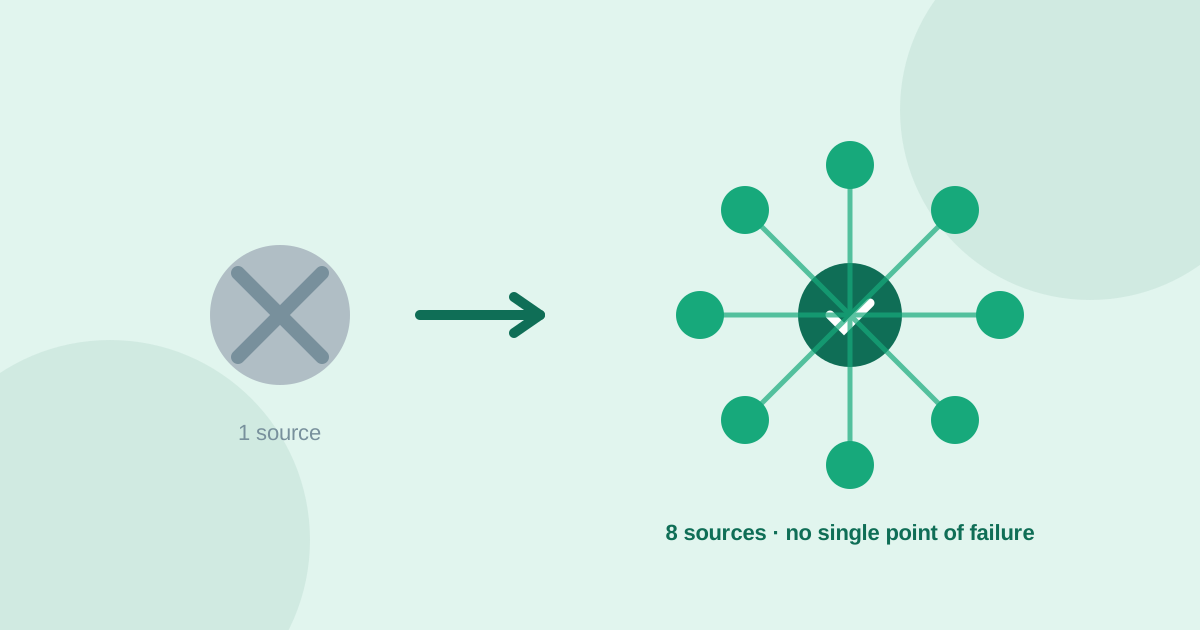
A focused Discord research session looks like this: join two or three relevant servers, spend the first visit lurking and finding the feedback or support channel, then search inside that channel with in: and a handful of frustration keywords. Pull out the complaints that collected reactions or repeated across different people, and write down the exact phrasing, since Discord's blunt, unfiltered language often makes the best raw material for landing page copy later. Then cross-check each candidate pain point against Reddit, Amazon reviews or another public source before treating it as validated. UserConcern automates that cross-check across 8 sources in about 60 seconds, so a sharp complaint you caught in a live chat only counts as real demand once it holds up outside that one server's particular crowd.
Frequently asked questions
Is Discord a good source for pain-point research?
Yes, particularly for catching blunt, real-time complaints the moment something breaks, since messages are typed in the middle of a live conversation rather than edited before posting. The tradeoff is that Discord is not indexed by search engines and skews toward a product's most engaged users, so it works best as a lead to confirm elsewhere, not a standalone verdict.
How do I search inside a Discord server?
Use Discord's built-in search operators once you have joined a server: in: followed by a channel name restricts results to that channel, from: followed by a username filters by person, and has: link or has: image filters by content type. Combining a keyword with in:feedback or in:support cuts out most of the unrelated chat and surfaces actual problem reports.
What's the difference between mining a product's official server and a general topic server?
An official product server concentrates complaints about that one product, which is the fastest way to find gaps in a specific competitor. A general hobby or topic server surfaces complaints about an entire category, since members compare and complain about many different tools, which is more useful when you are exploring a niche rather than studying one competitor.
How can I validate a pain point I found on Discord?
Check whether the same complaint shows up independently on a public, searchable source like Reddit, Amazon reviews or YouTube comments. UserConcern cross-checks a pain point across 8 sources in about 60 seconds and returns an opportunity score, which turns a promising chat message into evidence you can actually act on.
More articles
 Market Research
Best GummySearch Alternatives in 2026 (Access Ends 30 November)
GummySearch closed to new customers in November 2025, and existing users lose access on 30 November 2026 with all data deleted the next day. Eight alternatives compared on real pricing, real sources, and which half of the job each one actually replaces.
Read article → Market Research
How to Identify Customer Pain Points: 7 Methods That Actually Work
Customer pain points are the raw material of every successful product. Here are 7 practical methods to find them, from free manual research to AI-powered analysis.
Read article →