
How to Mine App Store and Google Play Reviews for Real Product Pain Points (Step-by-Step Guide)
Updated August 24, 2026 · 9 min read
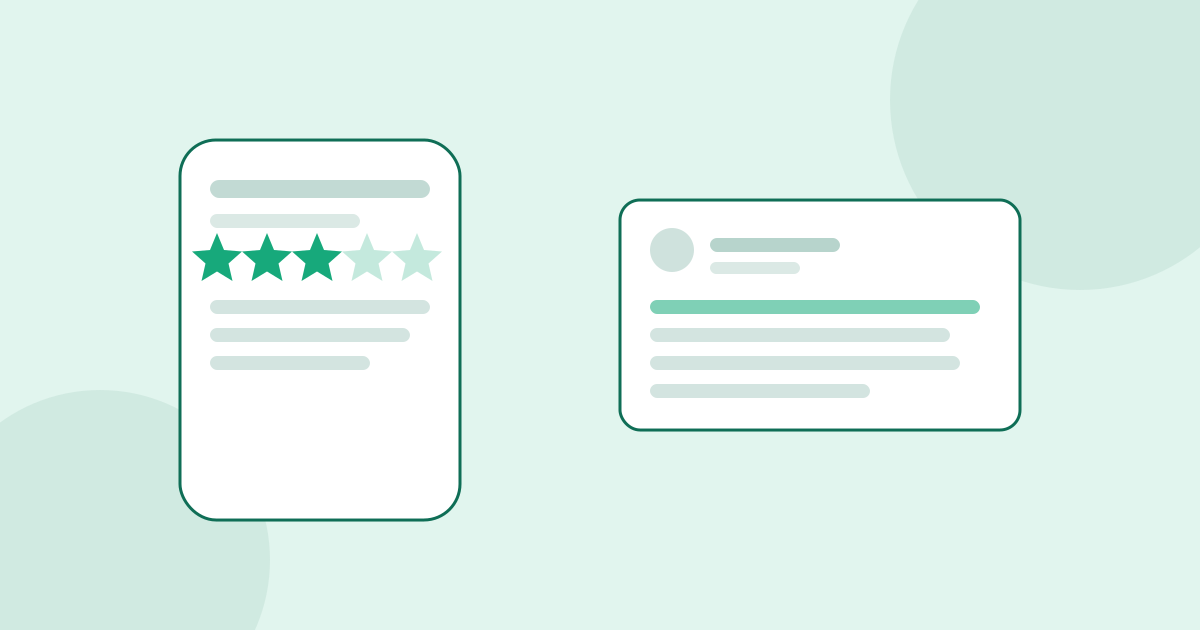
Most people check an app's star rating and move on. Founders researching a mobile app idea should do the opposite: skip the rating entirely and read the reviews underneath it, because that is where the actual product research lives. A 4.2-star app with thousands of ratings can still have hundreds of one and two-star reviews describing the exact same unresolved problem, written by people who liked the app enough to download it and were still frustrated enough to type out why it failed them.
That combination, real usage plus real disappointment, is harder to find almost anywhere else. Reddit threads and YouTube comments capture opinions from people who may never have used the product. App store reviews are written exclusively by people who installed the app, used it, and cared enough afterward to leave feedback. This guide covers where to look, how to search both stores effectively, and how to turn scattered one-star reviews into a validated product gap.
Why app store reviews outperform other sources for mobile ideas
Every review is tied to a verified download, which filters out a huge amount of the noise that shows up on open forums. The reviewer has already been through onboarding, hit a real workflow, and formed an opinion based on actual use, not a screenshot or a marketing claim. Reviews are also dated and versioned, so you can watch a complaint appear after a specific update, which tells you whether a pain point is a long-standing gap or a recent regression the developer introduced and has not yet fixed.
The other advantage is intensity. People do not open the App Store or Google Play review flow casually. It takes several taps to leave a review on either platform, so most reviewers are either delighted enough or annoyed enough to make the effort. That self-selection means the one and two-star reviews you find are rarely mild; they tend to describe the specific moment the app lost the user, in the user's own words, which is exactly the raw material you want for a value proposition.
Where to look on each store
On the Apple App Store, open a competitor's listing, scroll to Ratings and Reviews, and tap to see all reviews rather than the three featured ones Apple surfaces by default. Sort by Most Critical to jump straight to one and two-star reviews, then also check Most Recent, since a wave of recent low ratings after an update often signals a broken feature or a pricing change users are reacting to in real time. Apple's App Store Connect also publishes aggregate rating trends over time if you have developer access to a competitor's public page data through third-party tracking tools, which helps you spot whether dissatisfaction is rising or falling.
On Google Play, the review section supports more granular filtering: you can filter by star rating, by keyword, and by whether a review mentions specific device types. Google Play reviews also tend to run longer and more detailed than Apple's, because Android's review flow allows more characters and Android users as a demographic skew toward writing more technical, specific feedback. Search the review box for words like refund, cancel, crash, or the name of a competing app to surface the most decision-relevant complaints quickly instead of scrolling chronologically.
Patterns worth tracking as you read
Onboarding drop-off complaints show up as reviewers describing confusion in the first few screens: unclear permissions requests, an account creation wall before the value is shown, or a tutorial that does not match what the app actually does. Pricing and subscription complaints cluster around unexpected charges after a free trial, unclear cancellation flows, and a feeling that a core feature was moved behind a paywall after the reviewer already committed. Reliability complaints, crashes, battery drain, sync failures across devices, tend to spike after specific version updates and are worth cross-referencing against the app's changelog. And missing-feature complaints, where reviewers explicitly compare the app to a competitor by name and say what the competitor does better, are some of the most directly actionable data you will find anywhere, because they hand you a feature-level wedge in the reviewer's own words.
Cross-checking before you trust a pattern
A handful of one-star reviews complaining about the same thing is a lead, not proof. Before treating an app-store pain point as validated, check whether the same specific complaint shows up in at least one other source: a Reddit thread discussing the app, a YouTube review or unboxing video's comment section, or a competing app's own reviews mentioning the same unmet need. A complaint that only exists inside one app's review section might be specific to that app's execution rather than a gap in the category. The same complaint appearing independently across a competitor's reviews and a Reddit discussion about the category is a much stronger signal that the underlying pain, not just one app's bug, is what you should build around.
A worked example: budgeting apps
Reading through one and two-star reviews across several popular budgeting apps on both stores surfaces a repeating theme: users connect their bank accounts, the sync breaks silently after a few weeks, and the app keeps showing stale balances without any clear warning that something has gone wrong. Reviewers describe losing trust in the whole app the moment they catch a wrong number, even if the rest of the experience was good. That same complaint, phrased differently, shows up across at least four unrelated budgeting apps' review sections and in Reddit personal finance communities discussing which app is currently the most reliable. That kind of cross-source repetition, on a specific and fixable technical failure rather than a vague feature request, is exactly the pattern that separates a real gap from a one-off bad review.
Turning reviews into a build decision
Once you have a shortlist of complaints that repeat across apps and sources, weigh them the same way you would any other validated pain point: how often does it appear, how strong is the language, and can you name the specific moment in the product where it happens. A complaint about sync reliability that appears in dozens of reviews across multiple apps, described with words like lost trust or stopped using, is a stronger foundation for a mobile app idea than a feature request that shows up once. Manually reading through hundreds of reviews across several competing apps takes hours per niche. UserConcern automates the same cross-checking, pulling patterns from app reviews alongside Reddit, YouTube, TikTok, Quora and other sources in one search, so the pattern-spotting that used to take an afternoon takes about a minute.
Frequently asked questions
Are app store reviews reliable for market research?
Yes, more reliable than most open-forum sources for mobile specifically, because every reviewer has verifiably downloaded and used the app before leaving feedback. The tradeoff is that reviews are tied to one specific app's execution, so a complaint should be cross-checked against another source before you treat it as a category-wide gap rather than a bug in that one app.
Should I read one-star reviews or three-star reviews?
Read both, for different reasons. One and two-star reviews tend to describe the exact moment an app lost the user, often in intense, specific language. Three-star reviews come from people who kept using the app despite a flaw, and often describe a workaround they built themselves, which is a useful hint at what a better product would automate away.
How do I find app store reviews for a competitor that has no public review page I can browse easily?
Search the app's name directly inside the App Store or Google Play app on a phone rather than the web, since both stores surface fuller review lists in-app than their web listings show. You can also search the app name alongside words like review or worth it on YouTube and Reddit to find reactions from people discussing their experience outside the store itself.
Can UserConcern analyze app store reviews specifically?
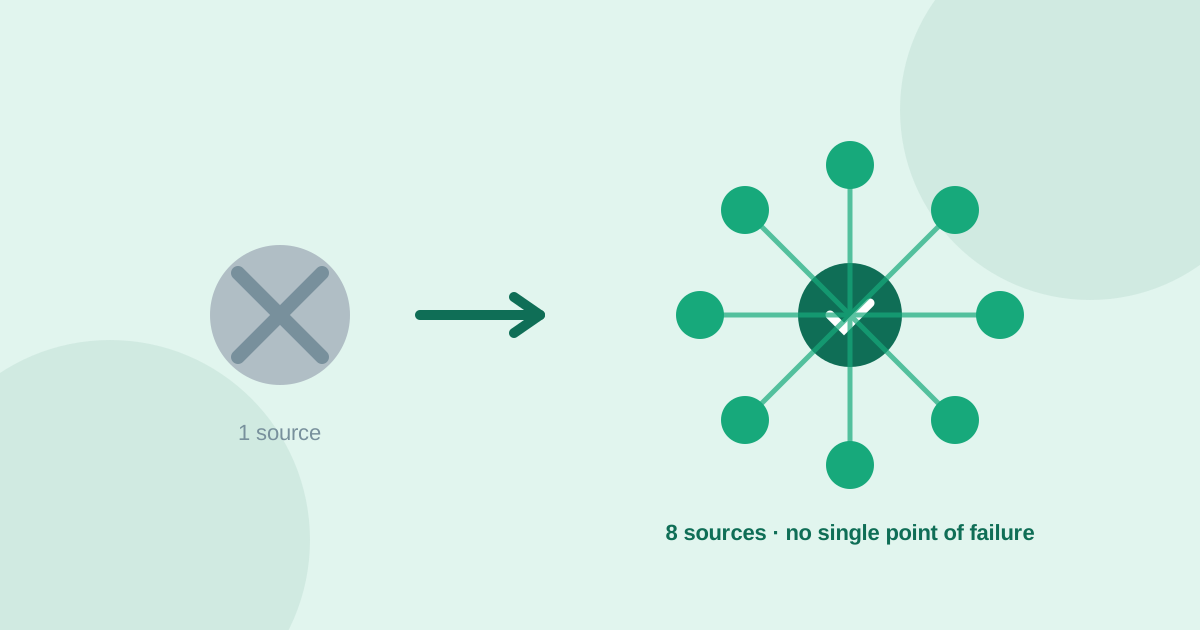
UserConcern cross-checks pain points across 8 sources including app reviews, Reddit, Amazon, YouTube, TikTok, Quora, Google Trends and AI answers, in 9 languages, so a complaint pattern you see in app reviews gets checked against the rest of the market automatically instead of requiring a separate manual search per platform.
More articles
 Market Research
Best GummySearch Alternatives in 2026 (Access Ends 30 November)
GummySearch closed to new customers in November 2025, and existing users lose access on 30 November 2026 with all data deleted the next day. Eight alternatives compared on real pricing, real sources, and which half of the job each one actually replaces.
Read article → Market Research
How to Identify Customer Pain Points: 7 Methods That Actually Work
Customer pain points are the raw material of every successful product. Here are 7 practical methods to find them, from free manual research to AI-powered analysis.
Read article →